
LFS, sparse-checkout & patches
Git LFS
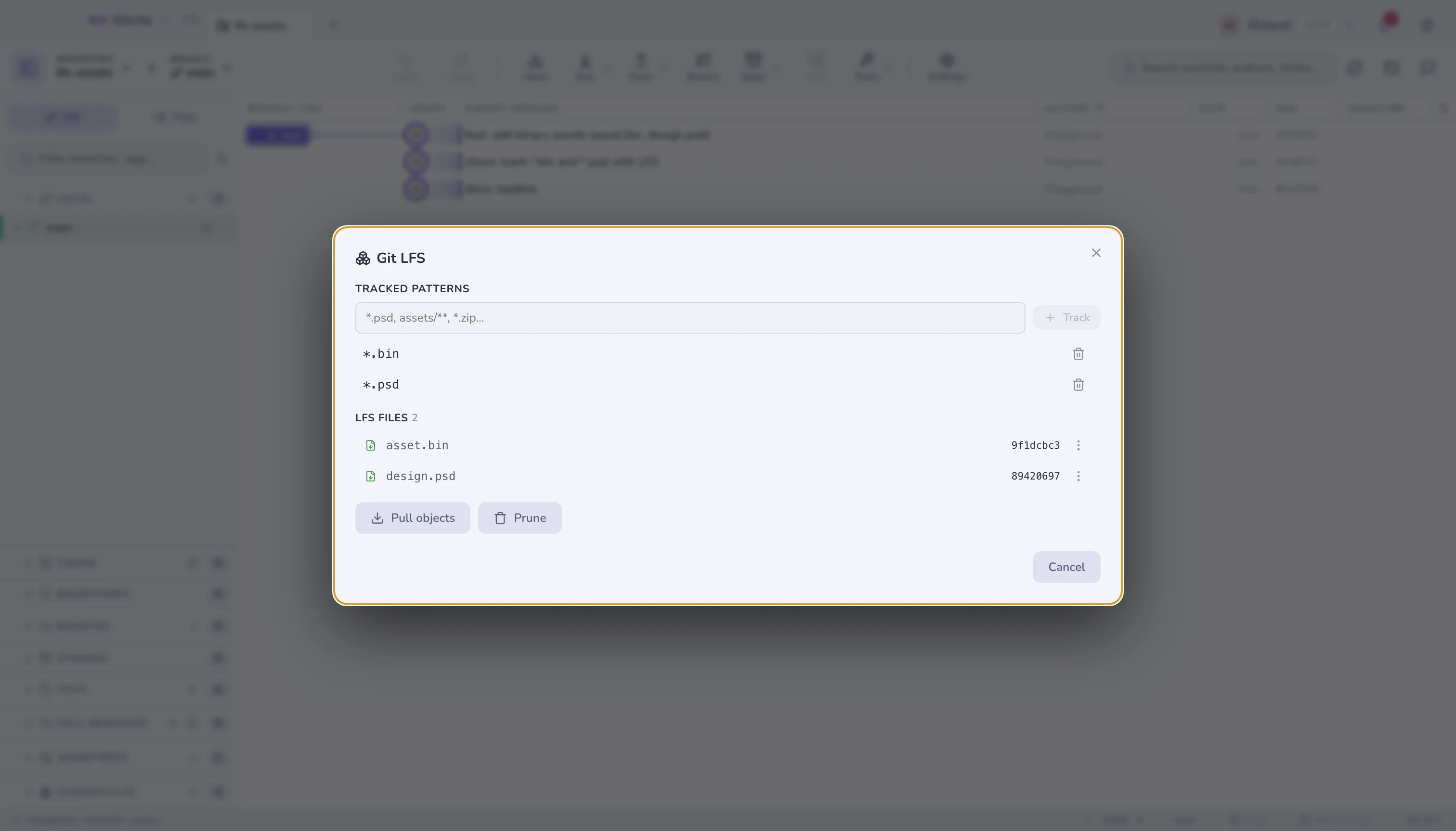
Detects whether git-lfs is installed, whether this repository uses it, and
which patterns are tracked. The file list shows what is downloaded versus
what is still a pointer, and you can pull or prune from there.
Sparse-checkout
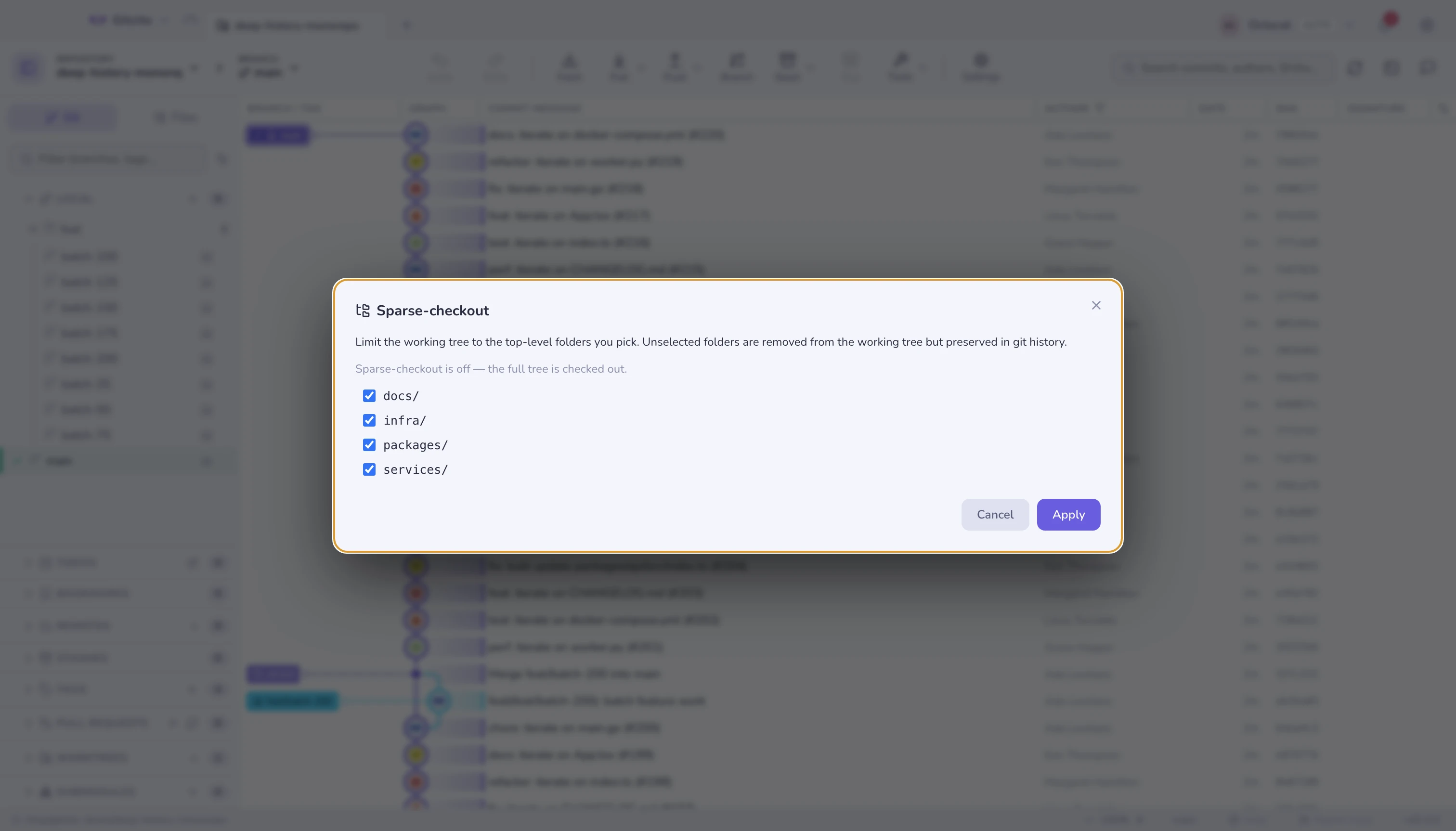
Cone mode: tick the top-level folders you actually work in, and the rest leave your working tree while staying in history. Useful on a monorepo where you only own two packages.
A partial clone (--filter=blob:none) is offered when cloning, so you do not
download blobs you will never open.
Patches
- Export a commit (or a multi-selection) as a
.patch. - Apply one to the working tree (
git apply) or as a commit (git am).
Both from the Tools menu.
See also: Worktrees & submodules