
The commit graph
Branches, merges and octopus merges drawn properly, in light or dark. Rendering is windowed, so a repository with a hundred thousand commits scrolls like one with a hundred.
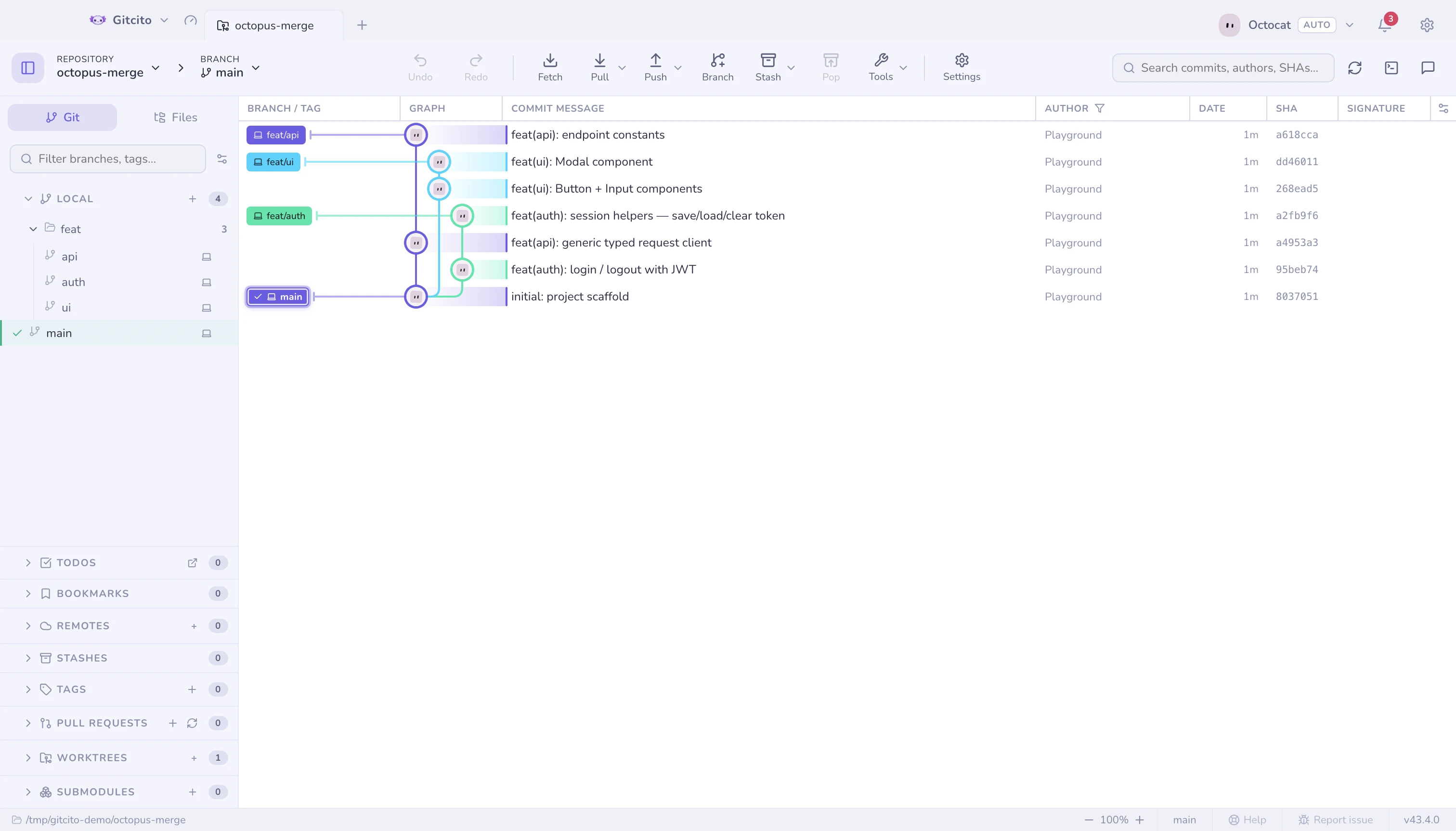 |
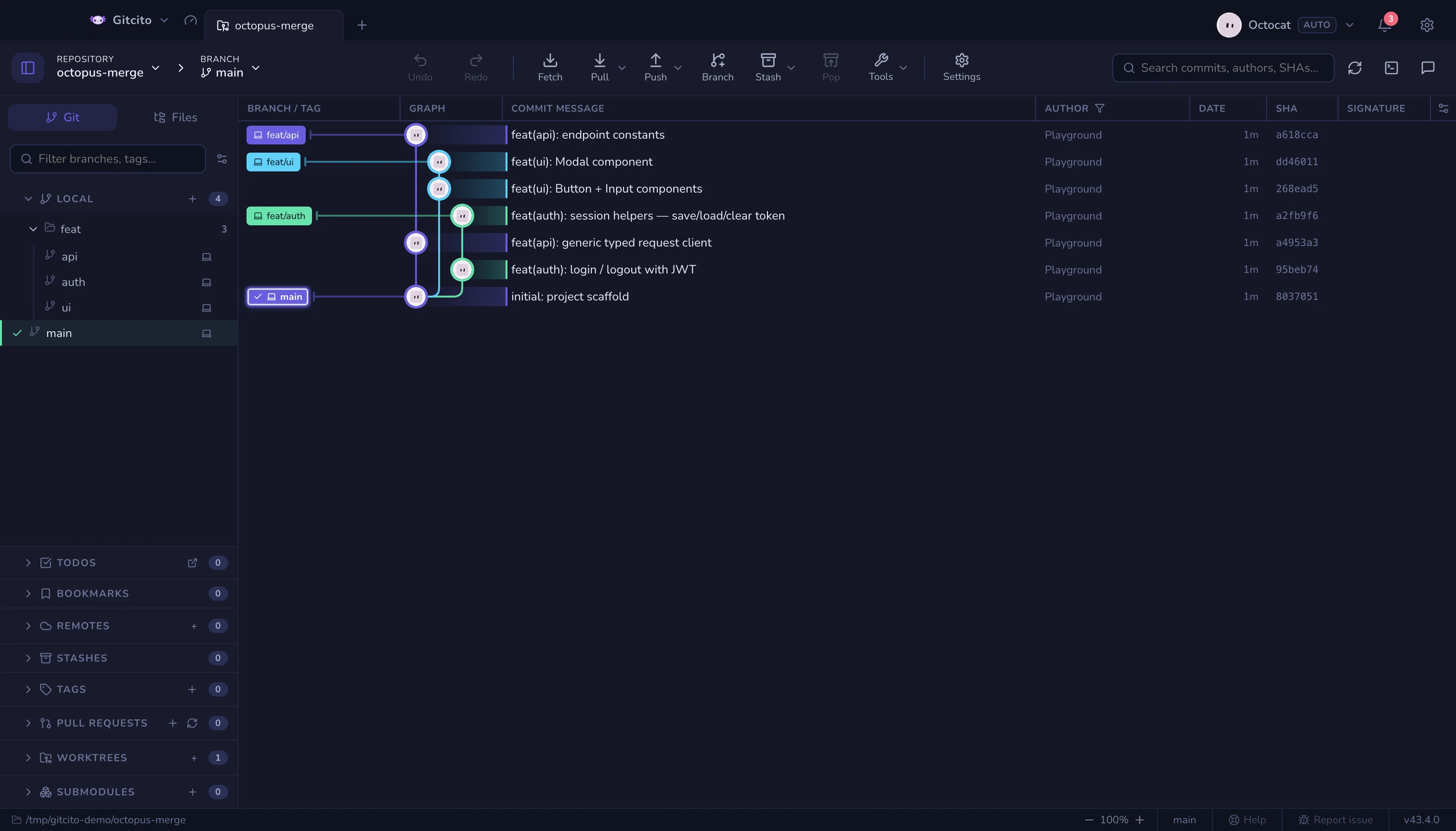 |
Moving around
- ↑ ↓ (or j k) walk the selection.
- ⌘/Ctrl-click toggles a commit into a multi-selection; ⇧-click takes a range. With several selected, right-click to cherry-pick them onto the current branch, squash a contiguous run, export one combined patch, or copy their SHAs.
- Commits that arrived in your last fetch or pull are flagged as new. Ones that have not joined the checked-out branch yet stay slightly translucent until a pull brings them in.
- Right-click a commit for Amend, Undo, Reset to Commit… and View on GitHub, plus checkout, cherry-pick, revert, branch, tag and copy. Unsafe actions stay visible and disable.
Making it show what you want
Graph focus decides how much history is drawn — Settings → Themes → Graph, or the gear menu in the graph header. Everything draws it all; Linear history (first-parent) leaves only the trunk; Hide merged branches keeps the trunk plus the branches that are still unmerged; Solo keeps your branch, your starred branches and the default branch.
It filters only what the log has already loaded. Hide merged branches trusts git's own "already contained in the current branch" answer, so checking out a different branch changes what it hides — and it keeps every commit a tag or an unrecognised ref still points at, which is exactly what a deleted branch leaves behind. Linear history and Solo are blunter: a tag or a stash sitting on a commit they drop goes with it.
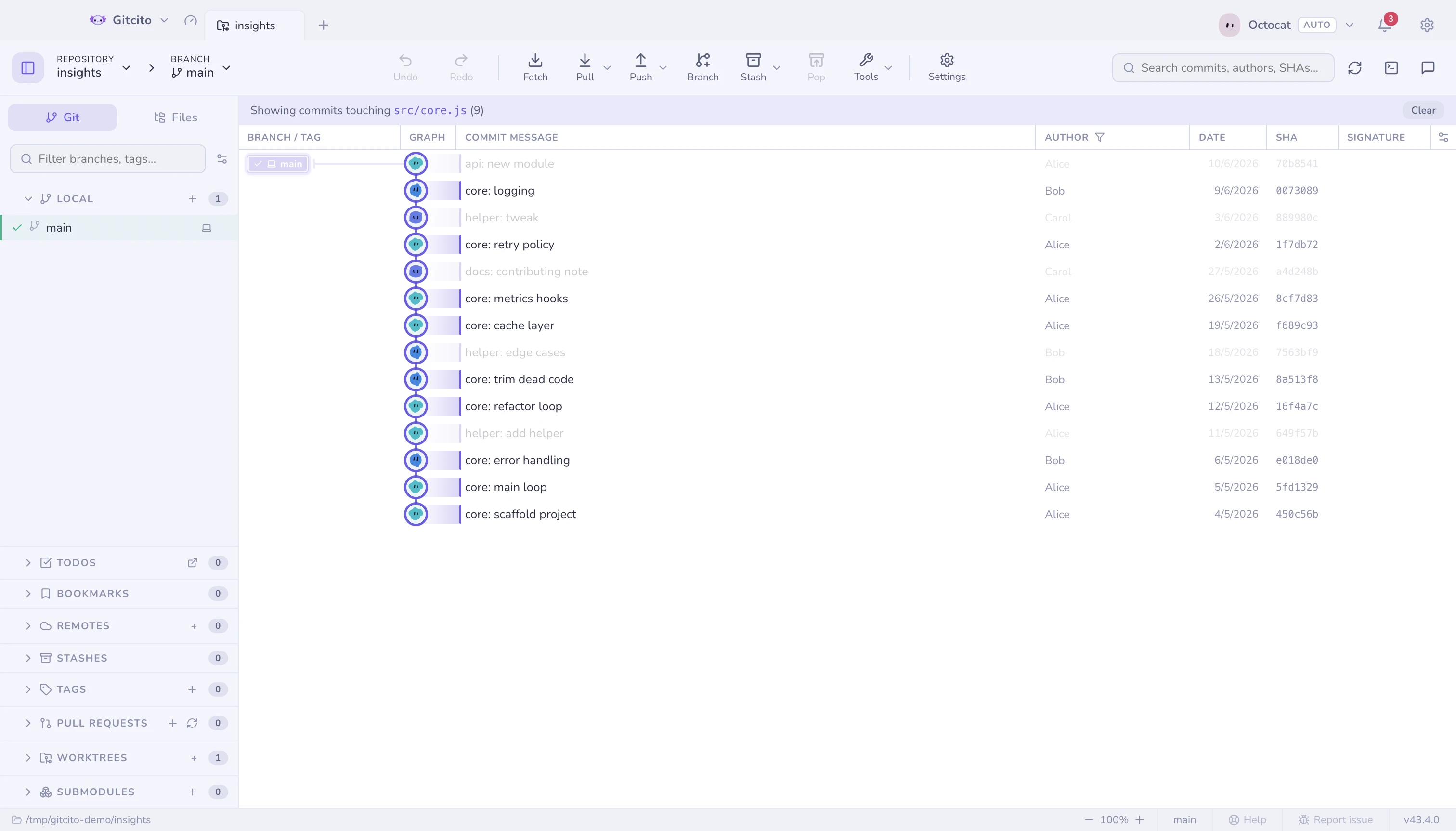
Filter by path: right-click a file or folder → Filter graph by this path, and only the commits that touched it stay lit.
- Columns: show, hide, resize and reorder branch, message, author, date, SHA, signature and deployment columns.
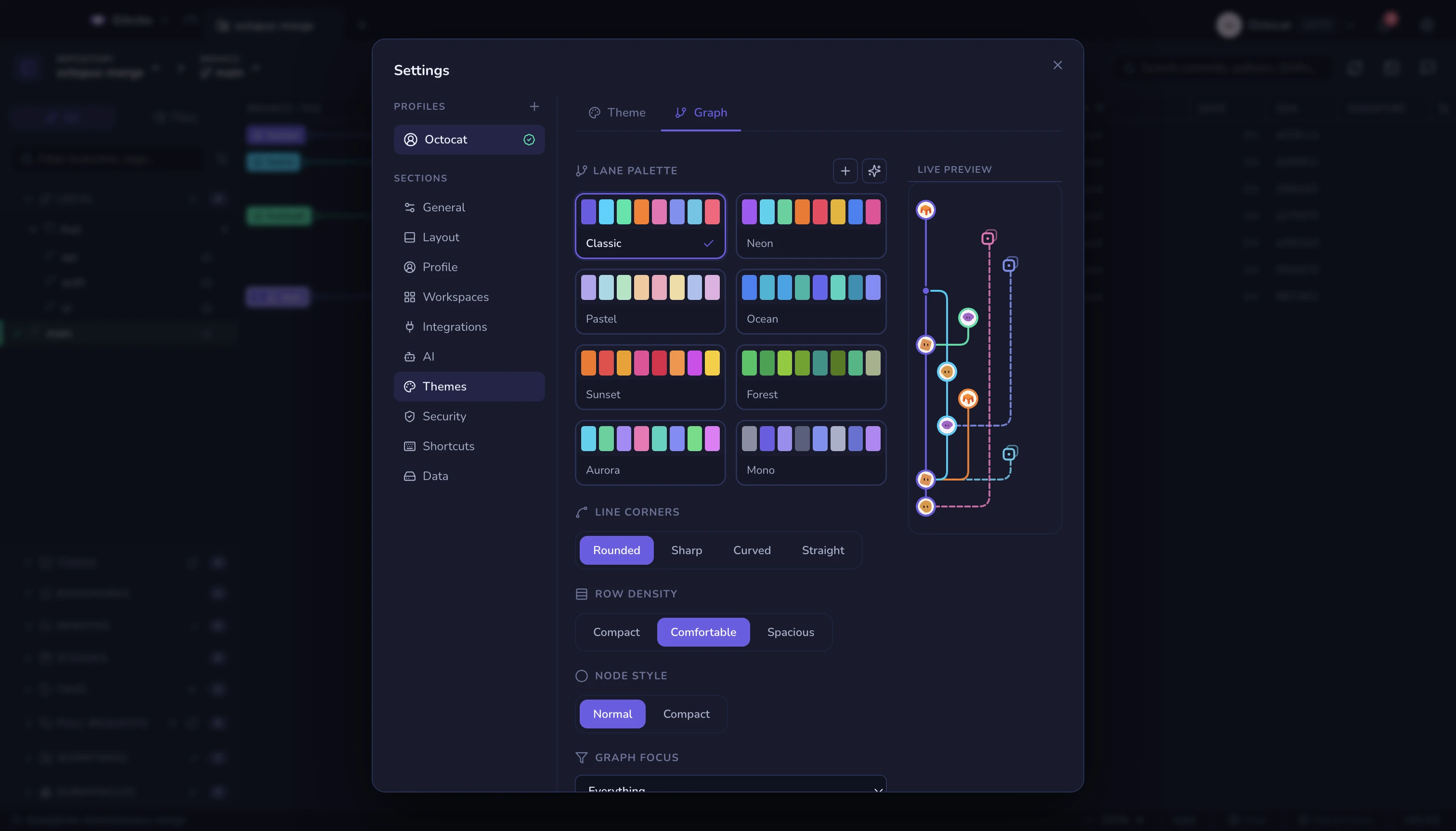
- Style: Settings → Themes → Graph — lane palette (8 built-ins, custom, or AI-generated), corner style, row density and line thickness, with a live mini-graph preview.
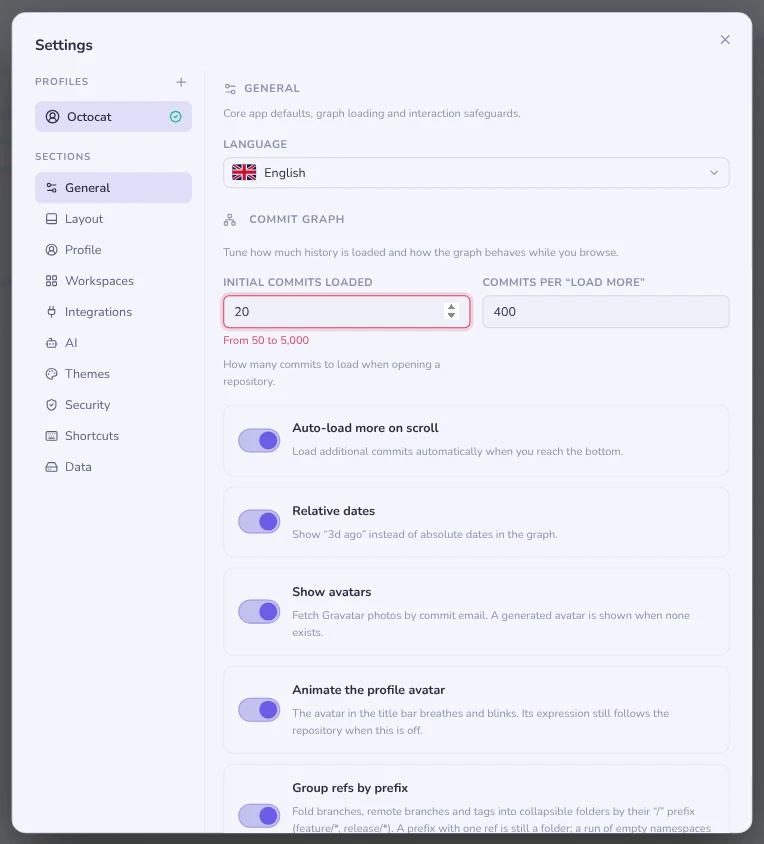
- How much history loads: Settings → General → Initial commits loaded and Commits per "load more", each from 50 to 5,000. A number outside that range is outlined in red with the range beneath it while you type, and snaps to the nearest bound when you leave the field or press Enter; Escape puts the saved value back.
Where stashes sit
A stash is drawn as its own row, hanging off the commit it was taken from on a dashed spur so it never displaces the trunk. It is placed in the row directly above that parent commit, not in the slot its own timestamp would earn it.
Its marker is an archive box in a dotted frame — the same archive symbol the stash list, command palette and details header use, so the graph names a stash the way the rest of the app does. The dotted frame is what separates it from a commit: sitting one row above its parent, shape has to carry "this is not part of the branch".
A stash is nearly always newer than the commit it sits on, so ordering by date would float it up among unrelated commits and stretch its tether across half the graph. The parent is the only row a stash actually relates to, so that is the one it stays next to.
The limit: a stash whose parent commit is not in the loaded window — pruned, or scrolled past the end of the log — has nothing to anchor to, and falls back to date order until its parent loads. The Linear history and Solo focus modes drop a stash whose parent they drop, as noted above.
Commit details
Selecting a commit shows its changed files (tree or flat), author, SHA,
co-authors, and its signature. The header above the file list splits the
count by kind, coloured like the glyphs on the rows. Hover it for the plain
total. #123 references and @mentions are autolinked
to your host.
The file list multi-selects with the usual gestures (⌘/Ctrl-click, ⇧-click, ⇧+↑/↓). Right-click the selection → Restore {n} files to working tree takes those files exactly as this commit had them: after one confirmation it overwrites the working copies, and touches neither HEAD nor the index.
See also: Blame & file history · Search · Time machine · Author avatars