
Security & secrets
Gitcito has no backend. The only network calls are to your Git host and, if you turn it on, your AI provider.
Secret masking
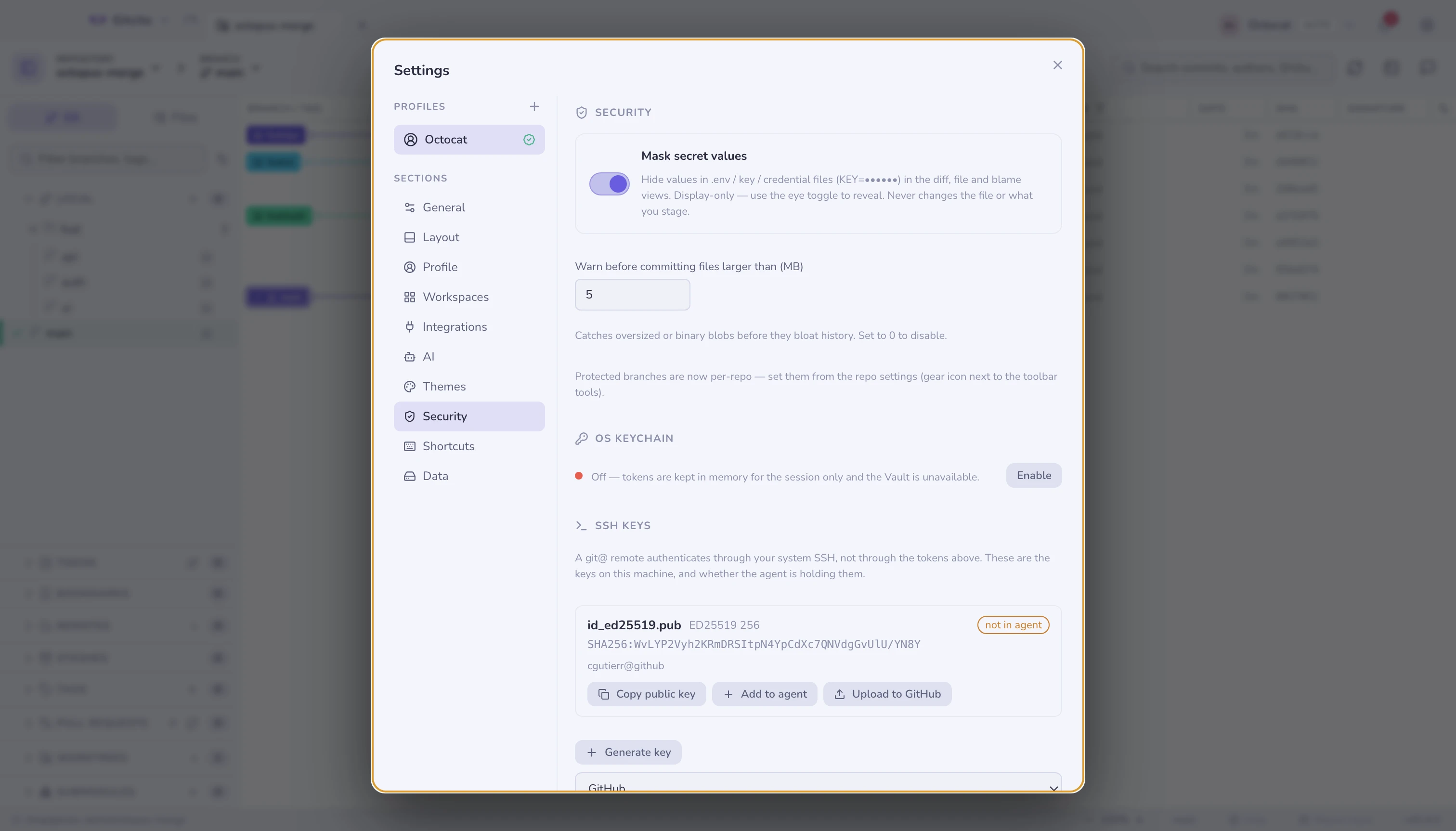
Values in .env*, *.pem, *.key, id_rsa, credentials.* and friends
render as KEY=•••••• in the diff, file and blame views, so a screen-share or a
screenshot cannot leak them. Apple signing material counts:
*.mobileprovision, *.provisionprofile, *.p12 and the *.p8 App Store
Connect keys. A *.cer does not — a certificate is public by design.
It is display-only: it never changes the file and never changes what you
stage. An eye toggle reveals them per view. .env.example, .sample and
.template are treated as templates, not secrets.
Guards before you do damage
| Guard | When |
|---|---|
| Secret file | Committing something that looks like a credential — with a one-click Ignore & untrack |
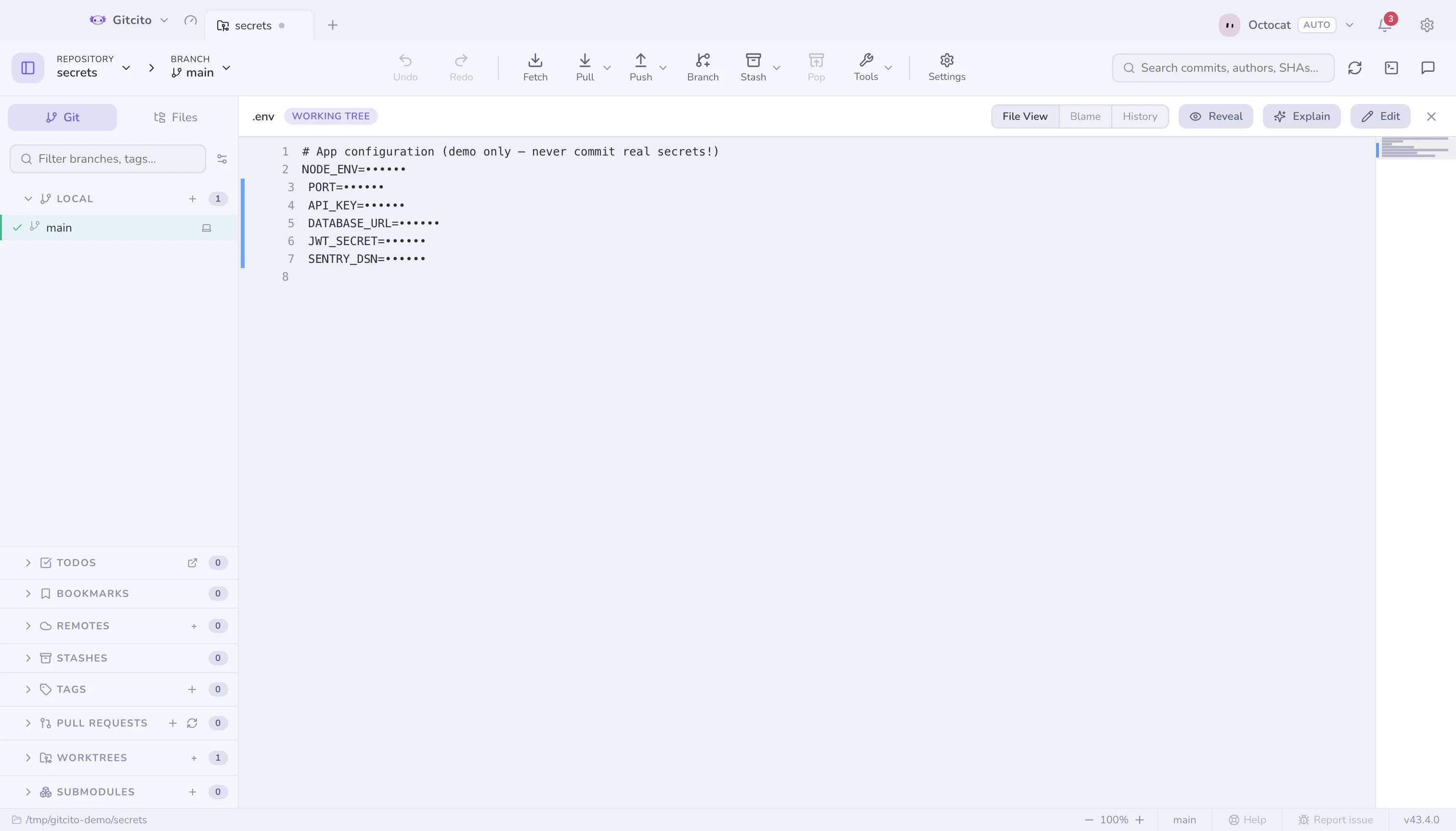
| Large file | Committing an oversized blob (threshold in Settings → Security) |
| Build noise | Committing xcuserdata/, DerivedData/ or a .DS_Store — with the same one-click Ignore & untrack |
| Protected branch | Committing straight to main/master, or force-pushing one |
| Tracked secrets | Pushing a repository that tracks a secret file — warned once per session |
The OS keychain
Tokens and vault entries are encrypted with your OS keychain
(Electron safeStorage), never with a key in the settings file.
Nothing touches the keychain until you say so. Before the system's own permission dialog can appear, Gitcito explains what is being stored, what it cannot do (an app only ever reads back the entry it created — your other passwords are unreachable), and that saying no is fine: tokens then live in memory for the session only, the vault stays closed, and you can turn it on later in Settings → Security → OS keychain.
A fresh install makes zero keychain calls until something actually needs storing.
Sharing safely
Secure share exports settings, vault entries or whole workspaces as an encrypted bundle — secrets are only ever included when you tick the box.
See also: Vault · Secure share