
Repository context menu
Right-click a repository — a standalone tab, a chip inside a group, a chip inside a nested folder, a row in the welcome/launcher list, or a row in the toolbar's repository dropdown — and you get the same repository-scoped menu. The group chip itself still opens the group menu; the click has to land on the repository.
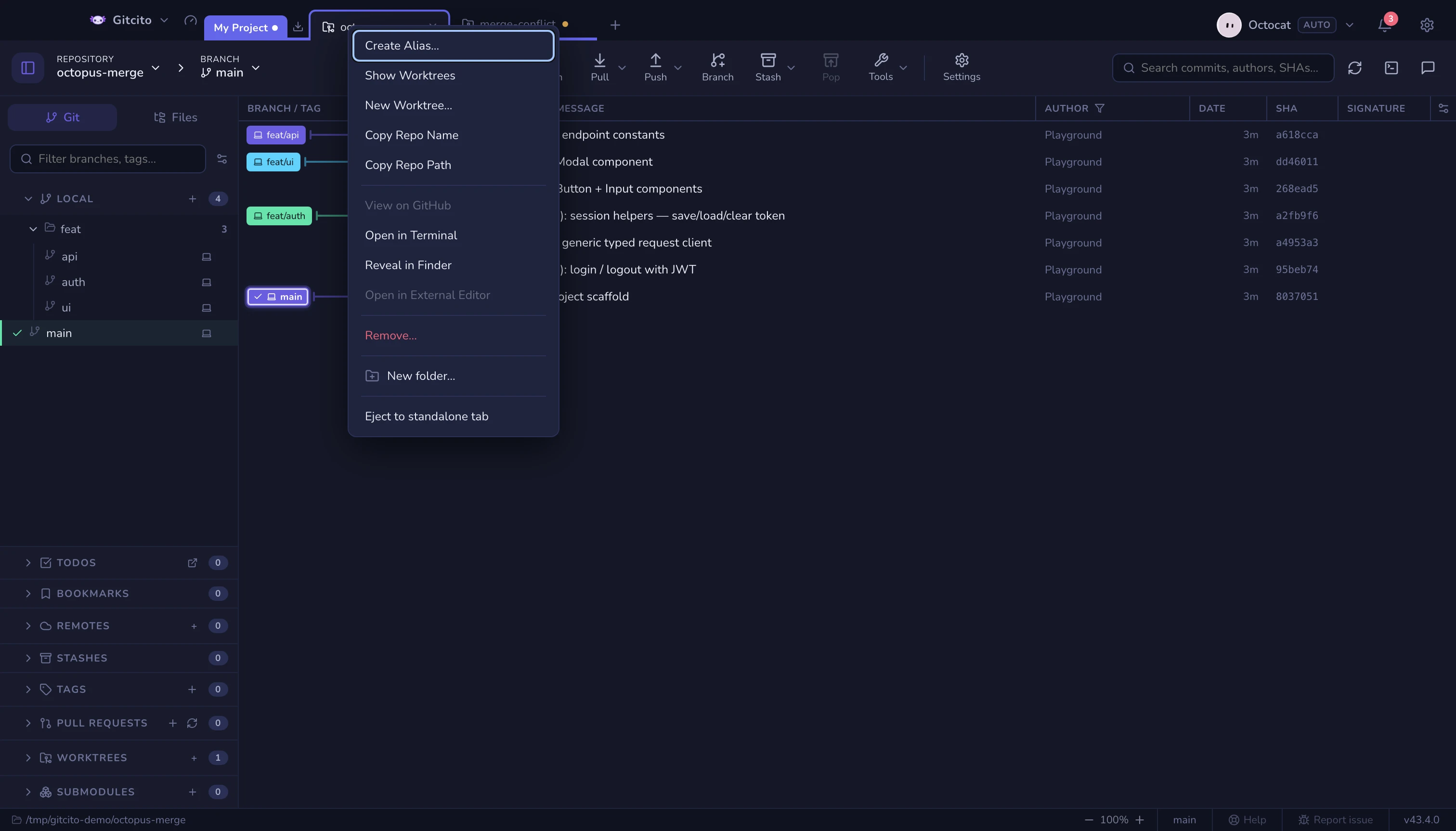
The repository dropdown in the toolbar lists every open repository, the same way the branch dropdown lists branches. Left-click a row to switch to it. Right-click a row (or the current-repository pill itself) for alias, worktrees, GitHub, terminal, reveal, editor and remove. Open repository… at the bottom opens the launcher.
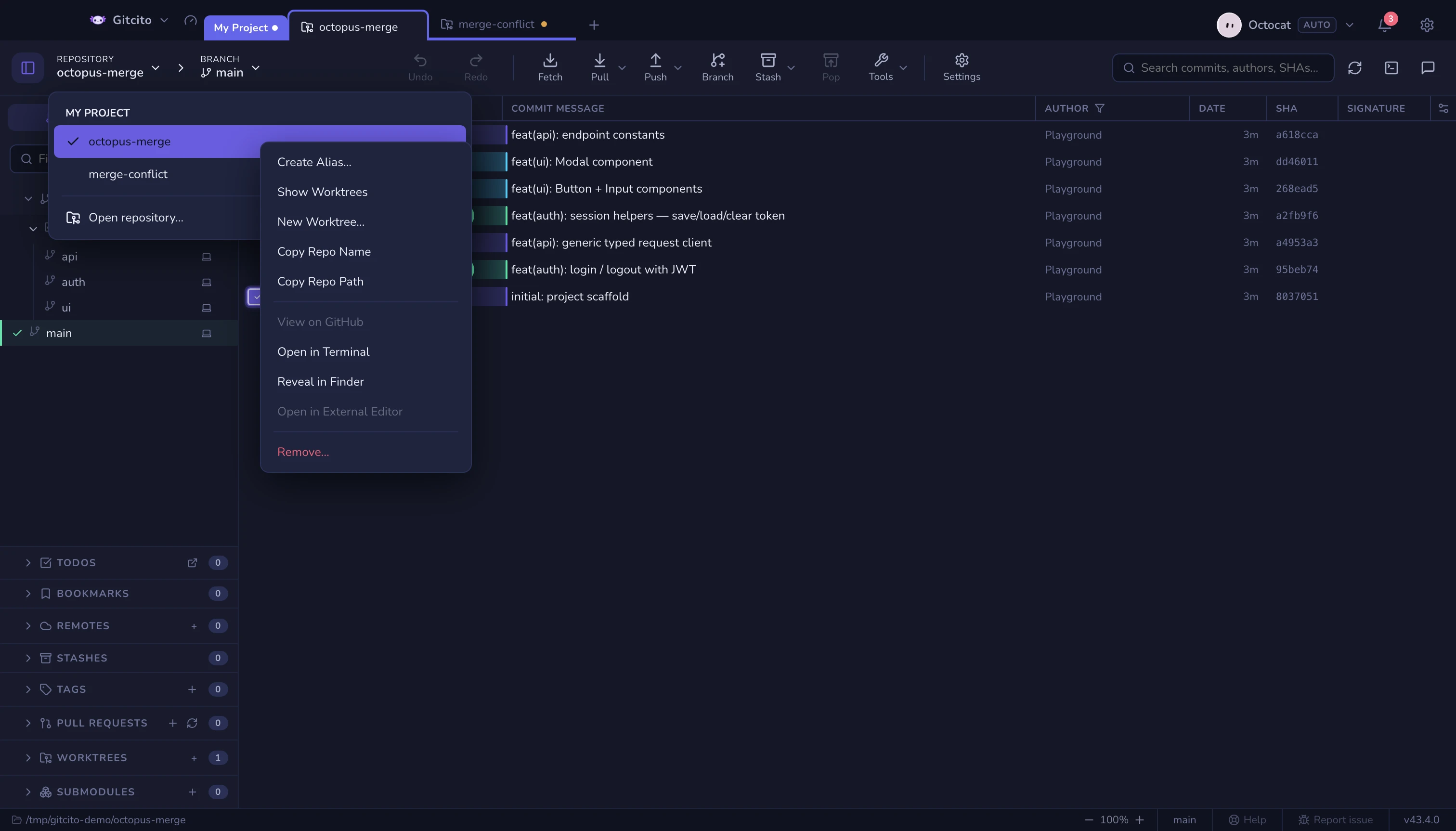
What each action does
| Action | Effect |
|---|---|
| Create Alias… / Change Alias… | A display name only. Gitcito never renames or moves the folder on disk. The same alias follows the repository across tabs, groups and workspaces. |
| Remove Alias | Shown when an alias exists. Restores the folder name. |
| Show Worktrees | Focuses this repository and opens the sidebar's worktree section. |
| New Worktree… | The same create-worktree prompt used from a branch. Disabled while the path is missing or a merge/rebase/cherry-pick/revert is in progress. |
| Copy Repo Name | Copies the canonical folder name, not the alias. |
| Copy Repo Path | Copies the absolute path. |
| View on GitHub | Origin if it is github.com, otherwise the first parseable GitHub remote. Disabled when none can be derived. |
| Open in Terminal | Opens Gitcito's terminal with this repository as the working directory. |
| Reveal in Finder / Explorer | Highlights the repository folder in the platform file manager. |
| Open in External Editor | The editor configured in Settings. Visible but disabled until one is set. |
| Remove… | Drops the chip from its group, or the row from its list. Uses the same uncommitted-work warning as the chip's ×. It never deletes files from disk. |
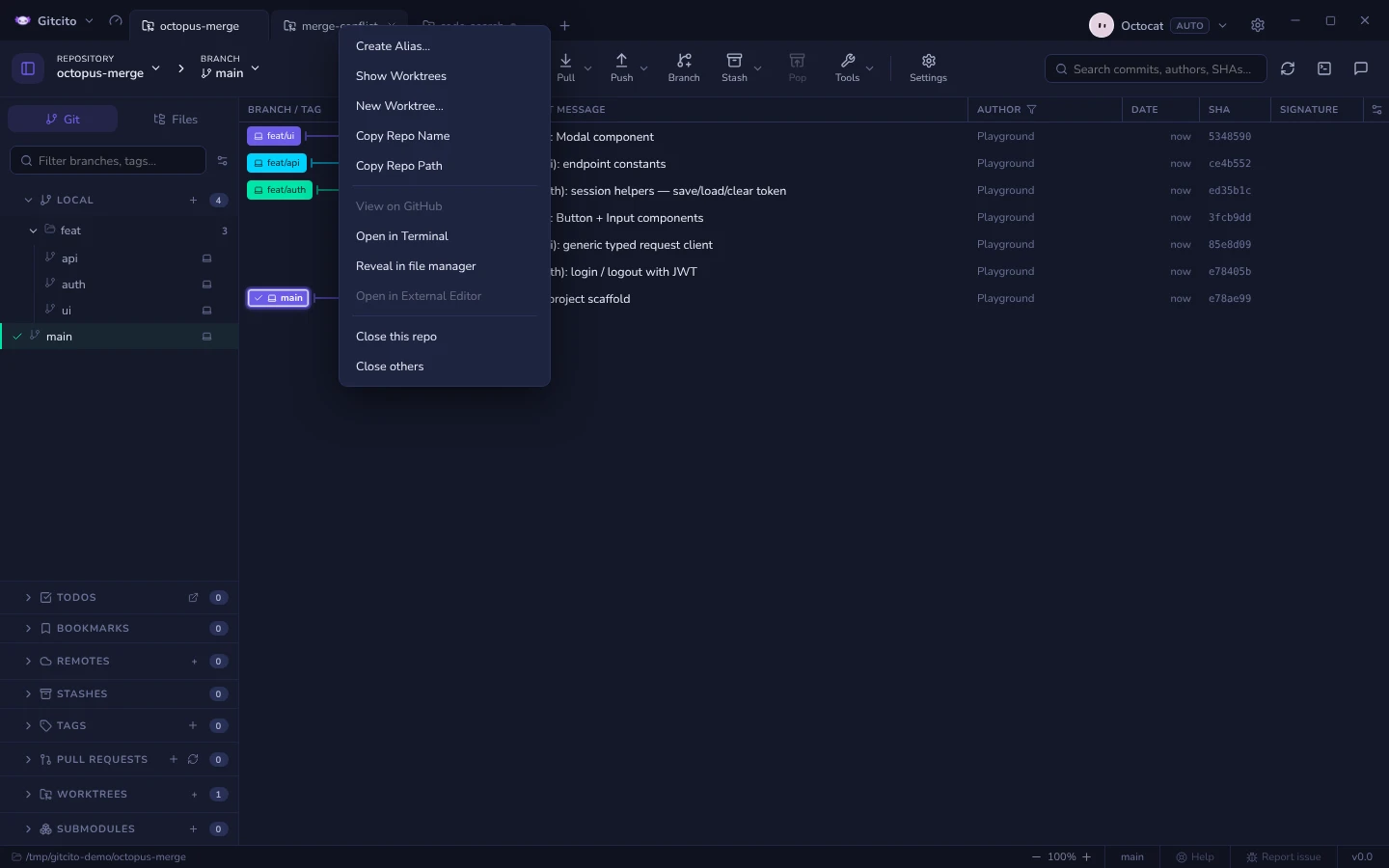
| Close this repo | On a standalone repository tab, in place of Remove. Closes the tab, exactly like its ×, with the same warning. |
| Close others | On a standalone repository tab. Closes every other tab in the strip, groups and pages included, and makes this one active. Disabled when no other tab is open. |
A missing or invalid path keeps copy, alias and remove available, and greys out anything that would open or inspect the directory.
Closing the other tabs
A strip that has grown to a dozen repositories is hard to work in, and closing them one × at a time is tedious. Close others clears the strip down to the tab you right-clicked. It follows the Warn when closing setting: with Always it asks once for the whole batch, with When changes it asks only when one of the other tabs has uncommitted changes or merge conflicts (and says which kind), and with Never it just closes. With a single other tab you get that tab's ordinary close warning instead.
Nothing is deleted: the repositories stay on disk, and ⌘⇧T / Ctrl+Shift+T reopens the closed tabs one at a time, in their old places, however many there were. Limits: page tabs and groups close too; the menu on a chip inside a group, and the other repository lists, still offer Remove rather than these two rows.
See also: Workspaces, tabs & groups · Worktrees & submodules · External editor · Terminal