
Vault
The .env values a project needs have to live somewhere. The vault is that
somewhere, without them ending up in the repository.
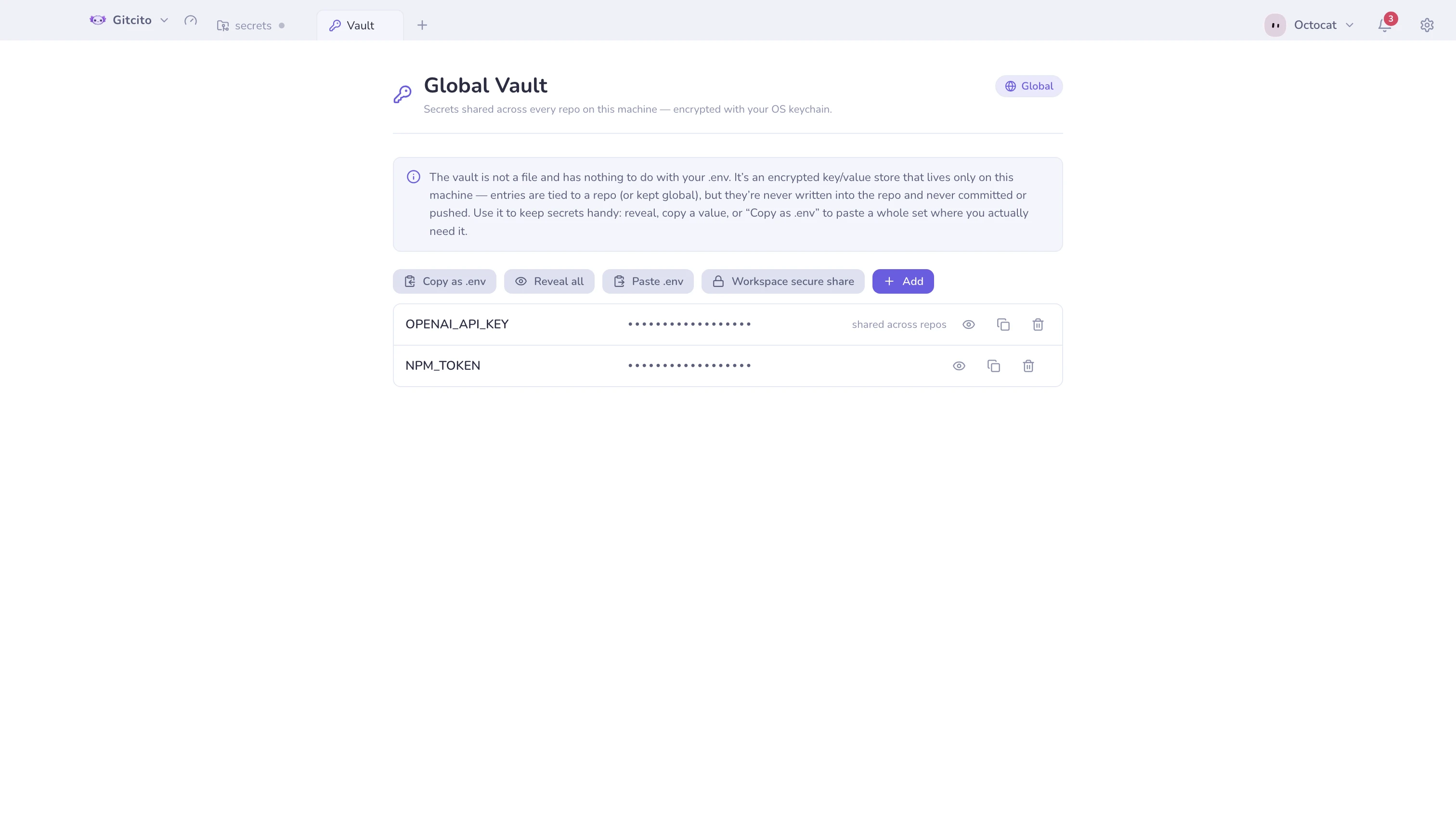
- Encrypted at rest with your OS keychain.
- Two scopes: entries attached to a repository, and a global set you can reference from anywhere.
- Not a file, and nothing to do with your
.env. Entries are associated with a repository but never written into it, never committed, never pushed. - Nothing ever leaves your machine. No sync, no cloud.
Using it
Open with ⌘⇧V, from the tools menu, from Settings, or the command palette. Switch between any known repository, reveal or copy a value, or Copy as .env a whole set straight to the clipboard.
Moving it between machines
Secure share can pack the vault into an encrypted bundle — and only when you explicitly ask for secrets to be included.
See also: Security & secrets · Secure share