
Command palette & search
The palette — ⌘K
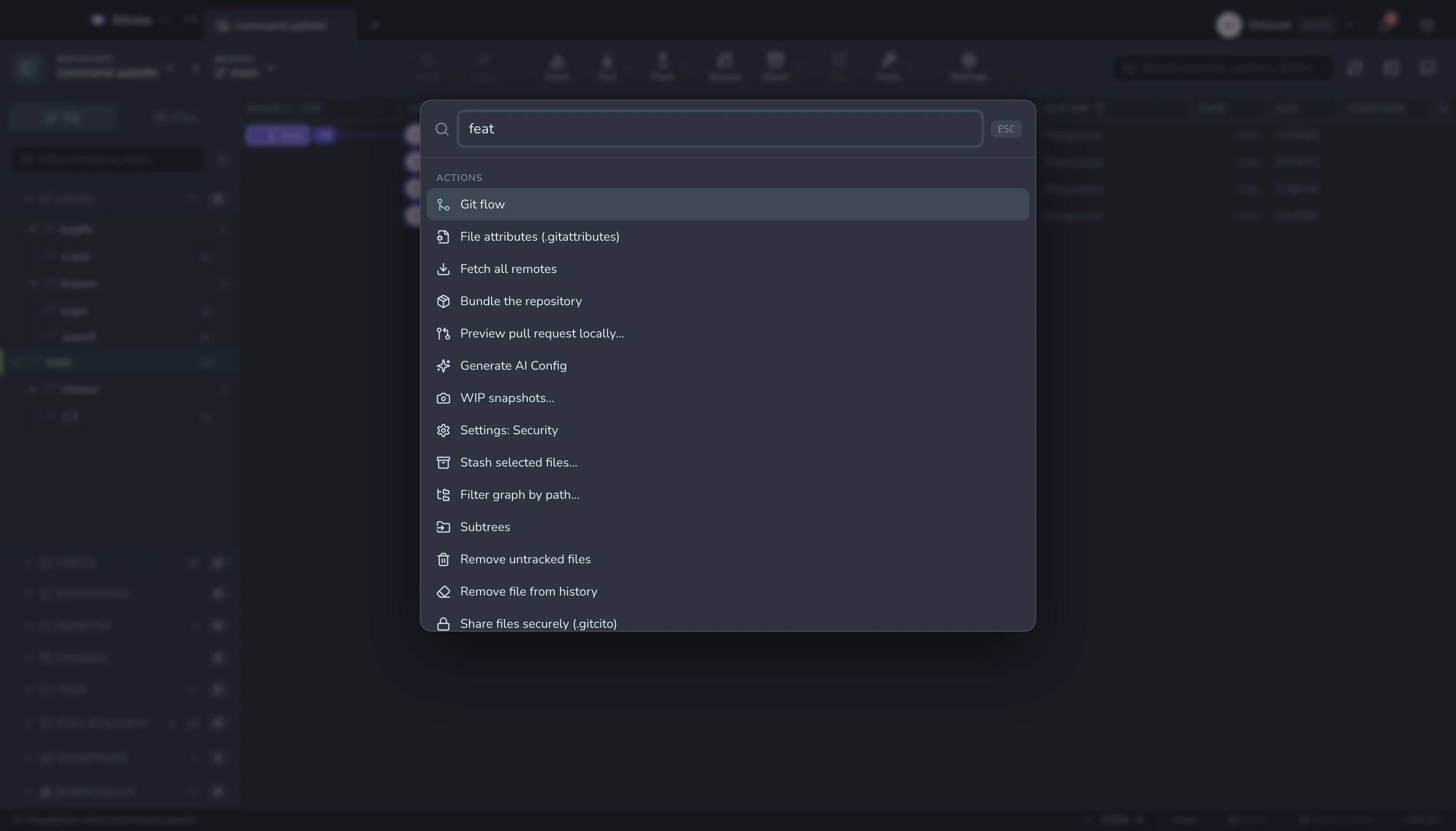
Fuzzy-jump to a branch (checks it out), a commit (scrolls the graph to it), a working-tree file, or an action — fetch, pull, push, stash, terminal, reflog, settings, and every feature in this handbook.
It learns: what you used recently comes first, and what you use often outranks what you don't.
Code search — ⌘⇧F
Two different questions, one dialog:
| Mode | Question it answers |
|---|---|
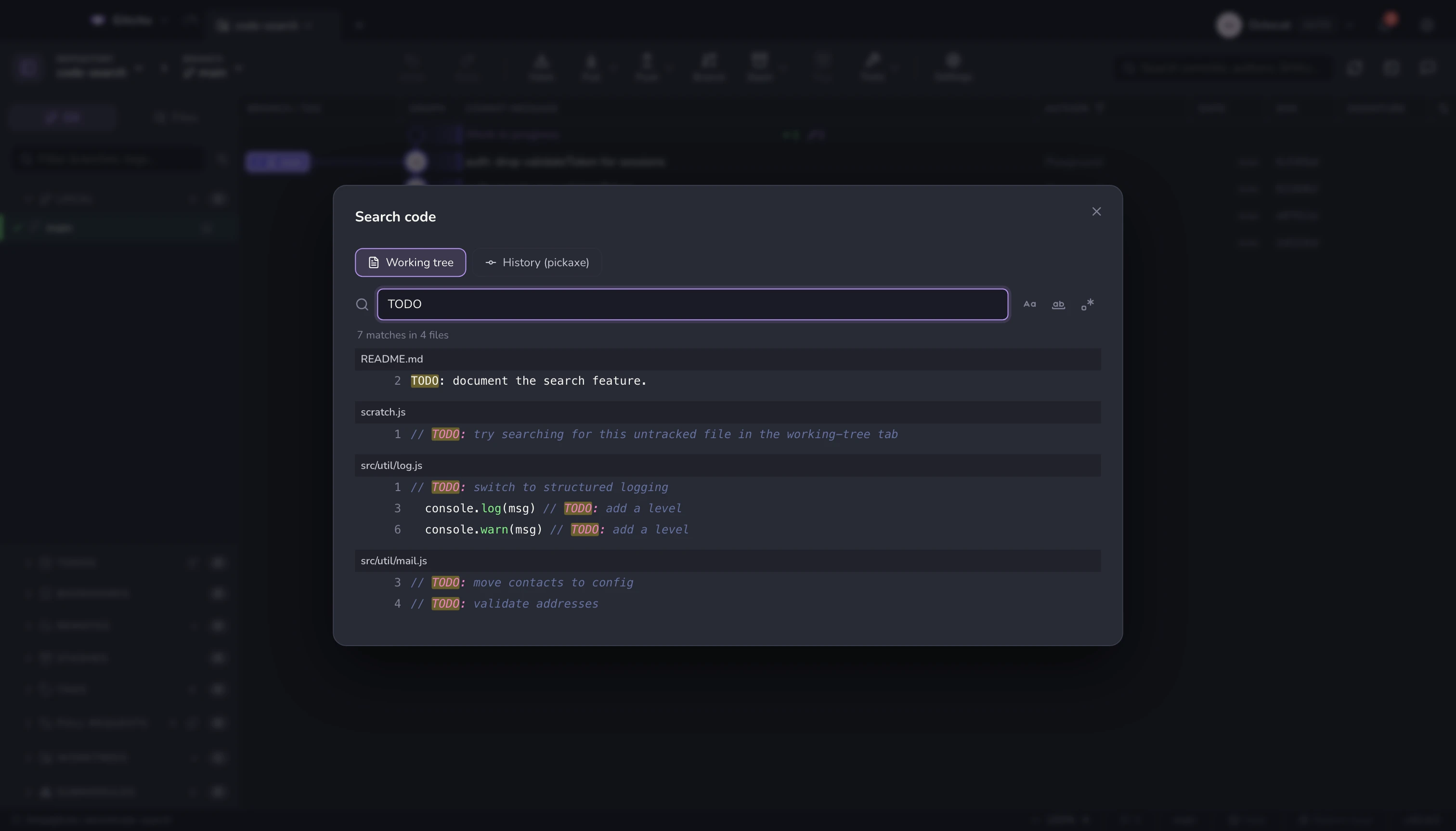
| Contents | "Where is this string right now?" — git grep over tracked and untracked files, with case / whole-word / regex. |
| History pickaxe | "When did this string appear or disappear?" — git log -S / -G. |
Hits come back syntax-highlighted with the match marked, grouped by file and expandable to the exact lines. Click one to open the file at that line, or the commit that introduced it.
Filtering the graph
The search box above the graph filters commits by message, author, SHA or deployment status. For "only commits that touched this file", use the path filter — see the commit graph.
See also: The commit graph · Keyboard & shortcuts