
Integrated terminal
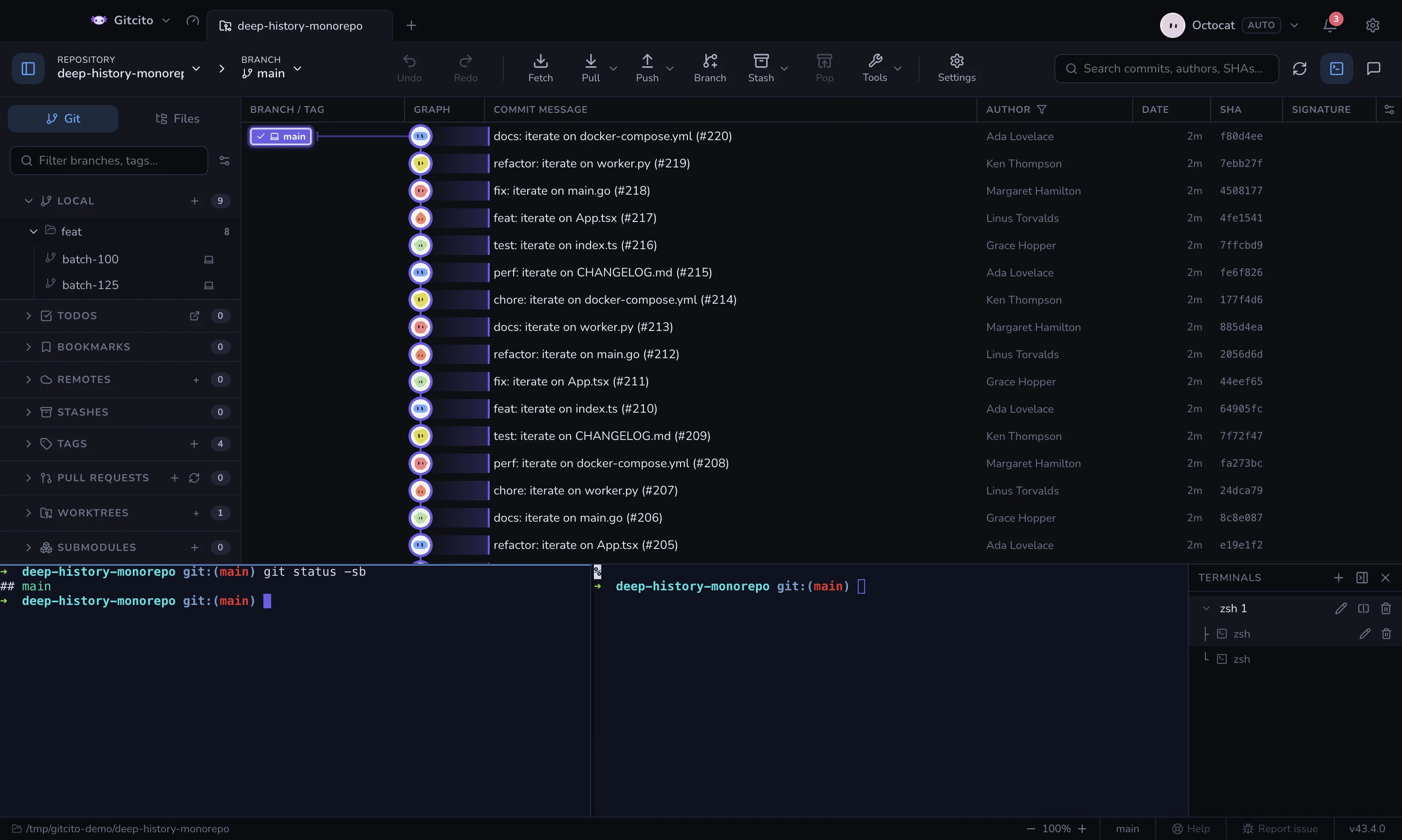
A real PTY (xterm + node-pty), not a command runner. Your shell, your prompt, your aliases.
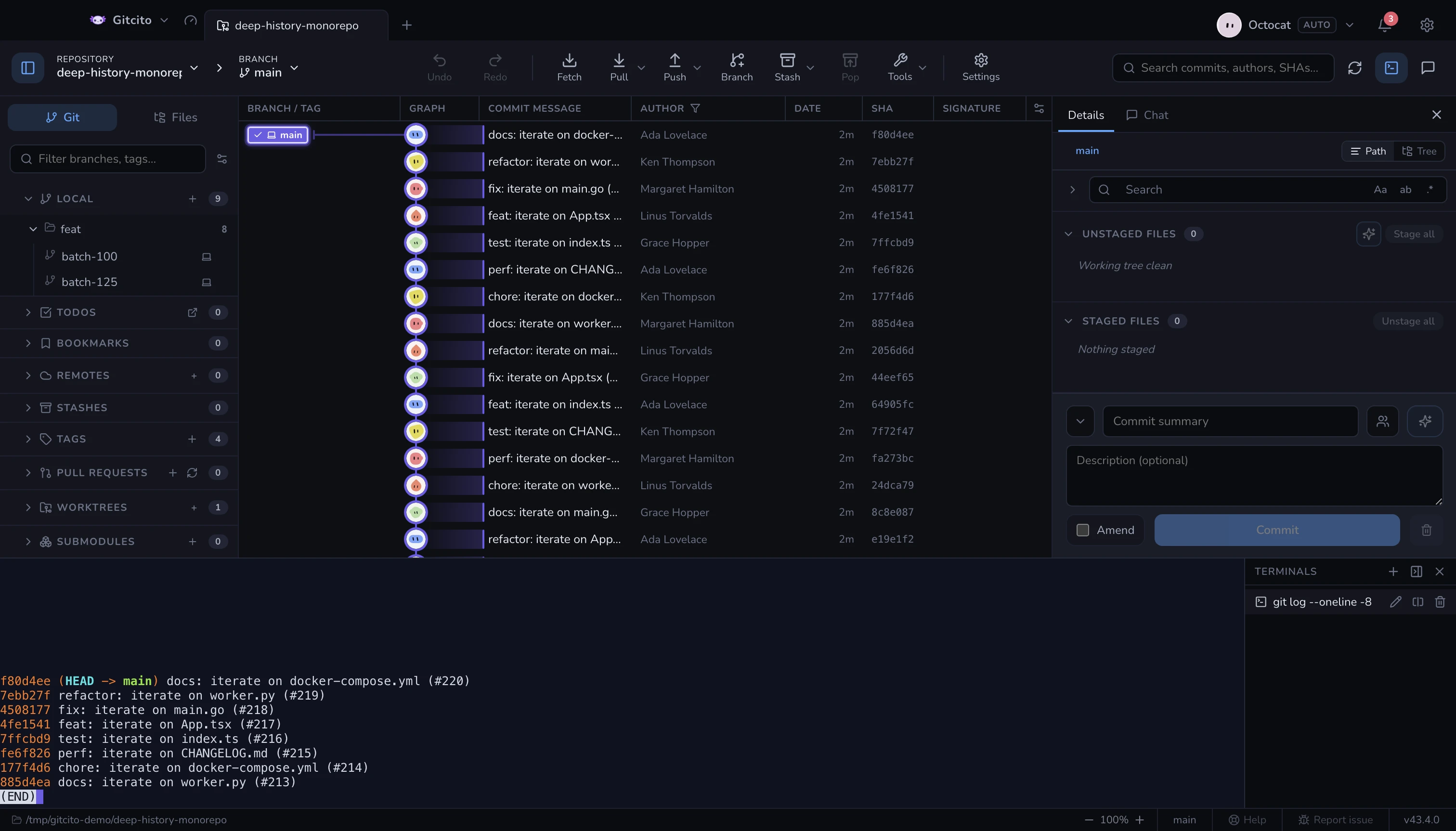
- Multiple tabs per repository, each starting in that repository's folder.
- Dock it under the graph or as a right-hand column; the pane remembers its size.
- Terminal visibility is per repository: switching to a tab that never opened one keeps it closed.
- Tabs name themselves after what is running in them.
- Collapsing the terminal list shrinks it to a rail: one icon per terminal (split terminals show a mini panel map), click to switch, right-click for the usual rename/split/kill menu.
- Drag one terminal onto another in the list to merge them into a split group. Each terminal keeps its name as a pane; the merged group takes a fresh numbered name.
Keys
| Keys | Does |
|---|---|
| ⌃` | Show or hide the terminal — the physical Control key, on every platform |
| ⌘T / Ctrl+T | New terminal, while the terminal has focus |
| ⌘W / Ctrl+W | Close the focused terminal; closing the last one hides the panel |
The last two are scoped to the terminal on purpose: away from it, they still open and close workspace tabs.
Your PATH
The shell starts as a login shell, the same as Terminal.app or iTerm, so
~/.zprofile, ~/.zlogin and ~/.bash_profile all run. That matters because
version managers and brew shellenv usually install themselves there — a tool
like fvm, nvm or pyenv that works in your terminal works here too.
Gitcito also asks your login shell for its real PATH at startup and merges it
into everything it spawns, because a GUI app launched from the Dock inherits
almost nothing. If a command is still not found, check that it is on PATH for
a login shell and not only for an interactive one.
Anything you run here is invisible to Gitcito's own locking, so a long
git rebase typed by hand and a click in the UI can still collide — the app
refreshes from disk when the terminal changes something.
See also: Run & debug · Hooks