
Interactive rebase
The git rebase -i todo list, as a list you can drag.
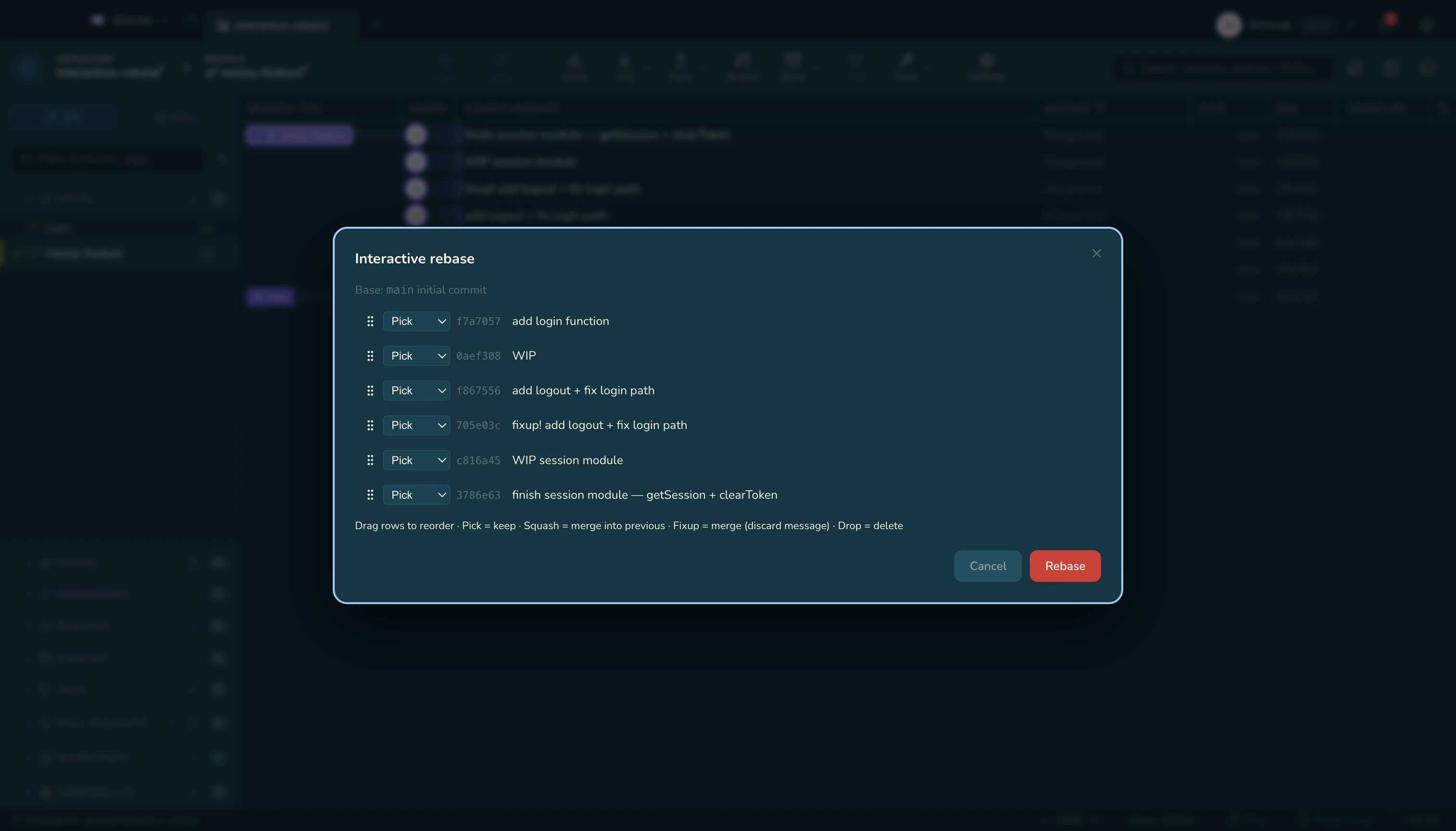
| Action | Means |
|---|---|
| pick | Keep it as it is |
| reword | Keep the change, edit the message |
| squash | Fold into the commit above, merging both messages |
| fixup | Fold into the commit above, discard this message |
| edit | Stop here so you can amend |
| drop | Throw the commit away |
Drag rows to reorder. The editor never opens in a terminal — Gitcito writes the todo for you.
Autosquash, one click
- Fixup staged changes into this commit creates the
fixup!for you. - Autosquash from here folds every
fixup!/squash!into its target.
If you have a pile of review fixes rather than one, absorb works out which commit each hunk belongs to, so you do not have to.
Rebasing rewrites history. Anything already pushed will need a force-push, and whoever reviewed it will want what changed since.
See also: Absorb · What changed since · Recovery