
Local CI
The push–wait–red-cross–fix–push loop wastes ten minutes per round trip. With act the same workflows run in Docker containers on your machine, and Gitcito drives them: pick a workflow, press Run, watch the same log CI would print — before anything leaves your machine.
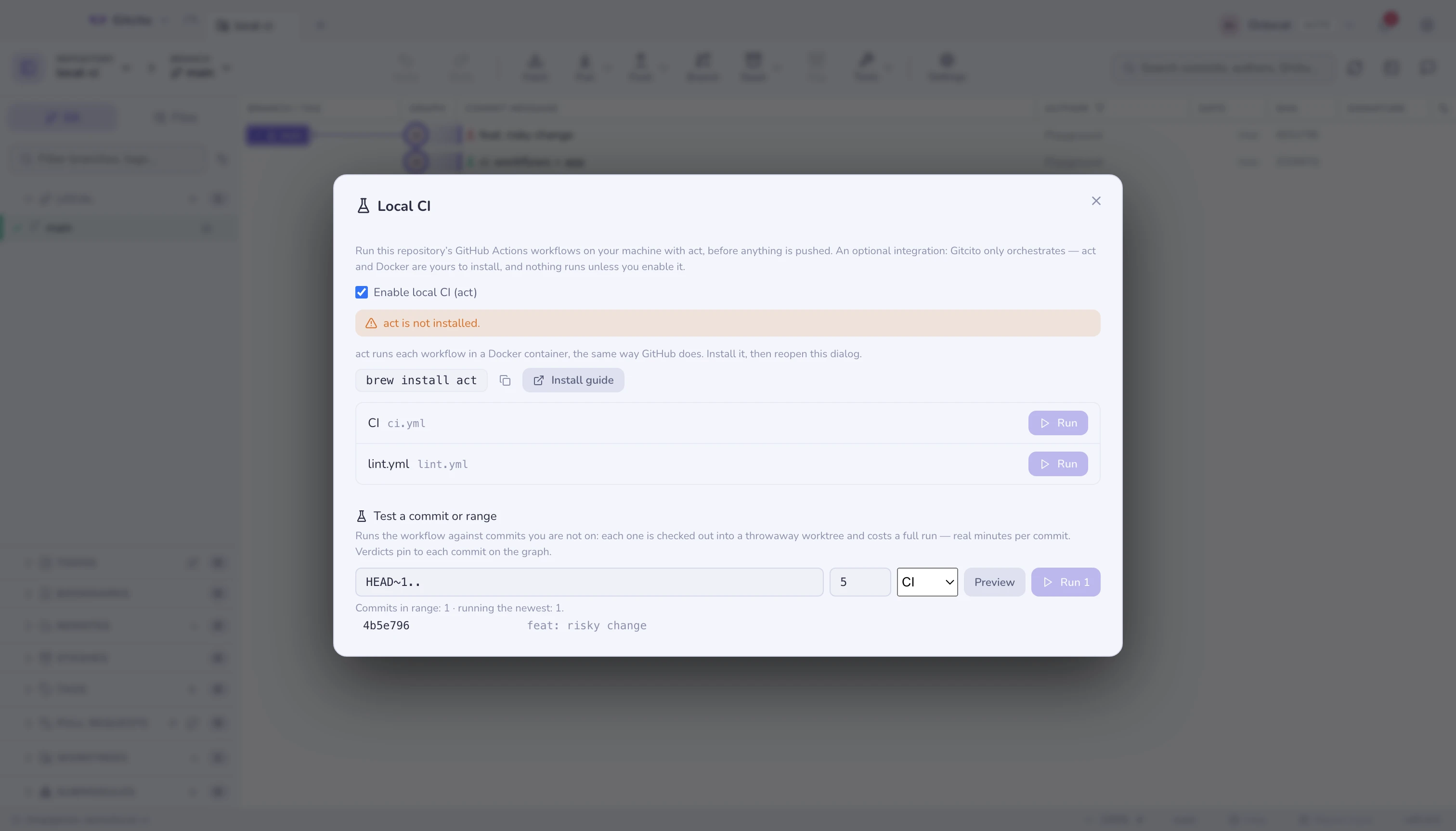
An integration, not a bundled runtime
Gitcito deliberately does not ship act or Docker — an app that drags a
container runtime along is the opposite of a git client. This is an opt-in
integration: enable it in Settings → Integrations (or in the dialog
itself), and Gitcito detects what is installed and guides you through the rest
— brew install act, a running Docker daemon, done. Nothing runs until all
three are true: enabled, act installed, Docker reachable.
What it does
- Lists every workflow under
.github/workflows, by itsname:. - Run executes the workflow with act against your working tree — your uncommitted changes included, which is exactly the point: test before you commit, not after you push.
- Output streams live into the dialog; Stop kills the run. Exit 0 shows Passed, anything else Failed with the code.
Per-commit verdicts on the graph
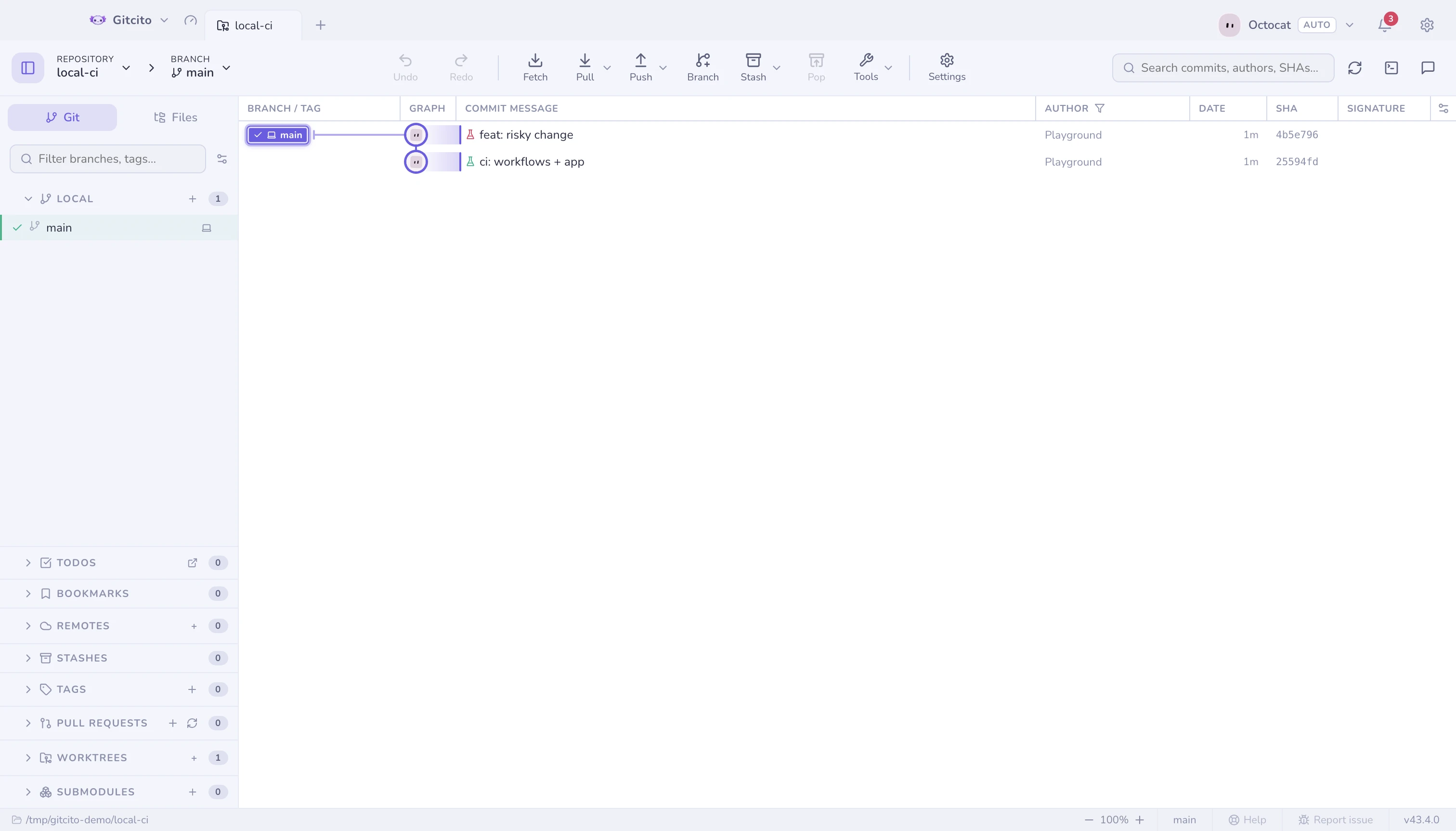
A finished run pins its result to the commit it tested: a small flask marks the
row green or red in the graph, so you can see at a glance which commits
have already survived CI locally. The verdict is stored as a git note under
refs/notes/gitcito-ci — local to your machine, never pushed by default.
Honesty rule: the verdict is only pinned when your working tree was clean. A run over uncommitted changes tested something no commit contains, so it shows its result in the dialog but marks nothing.
Test a commit or range — without leaving your branch
The dialog's Test a commit or range section runs a workflow against commits you are not on. Each commit is checked out detached into a throwaway worktree under the system temp directory, act runs there, and the worktree is removed however the run ends — your working tree and your branch never move. Because that checkout is pristine by construction, the verdict always pins to the commit it tested. Right-clicking a commit in the graph offers Run local CI on this commit directly.
The cost is stated before anything runs, not discovered after: type a revision
or a range (main..HEAD, HEAD~5.., a sha), press Preview, and Gitcito
shows how many commits the spec matches and which newest N — the explicit
budget, capped at 50 — would actually run. A sweep runs them sequentially
(act plus Docker is heavy enough that parallel runs would fight for the
machine), streams each run's log, marks each commit pass/fail live, and
Stop aborts between commits while killing the one in flight. Expect real
minutes per commit.
One more limit worth knowing: the throwaway worktree contains the commit's files but not your repository's submodule checkouts — a workflow that depends on initialized submodules will behave as it would on a fresh clone without them.
Limits
- act is a very good imitation of GitHub's runners, not a perfect one: actions that need GitHub-hosted services, secrets, or exotic runner images may behave differently. A local green is strong evidence, not a guarantee.
- One run at a time per repository; starting another cancels the first.
- Workflow-level runs only — picking individual jobs, matrices or events is act territory; run it in the terminal when you need flags.
- First run downloads runner images — expect it to be slow once.
See also: Hosting & pull requests · Terminal