
Secure share
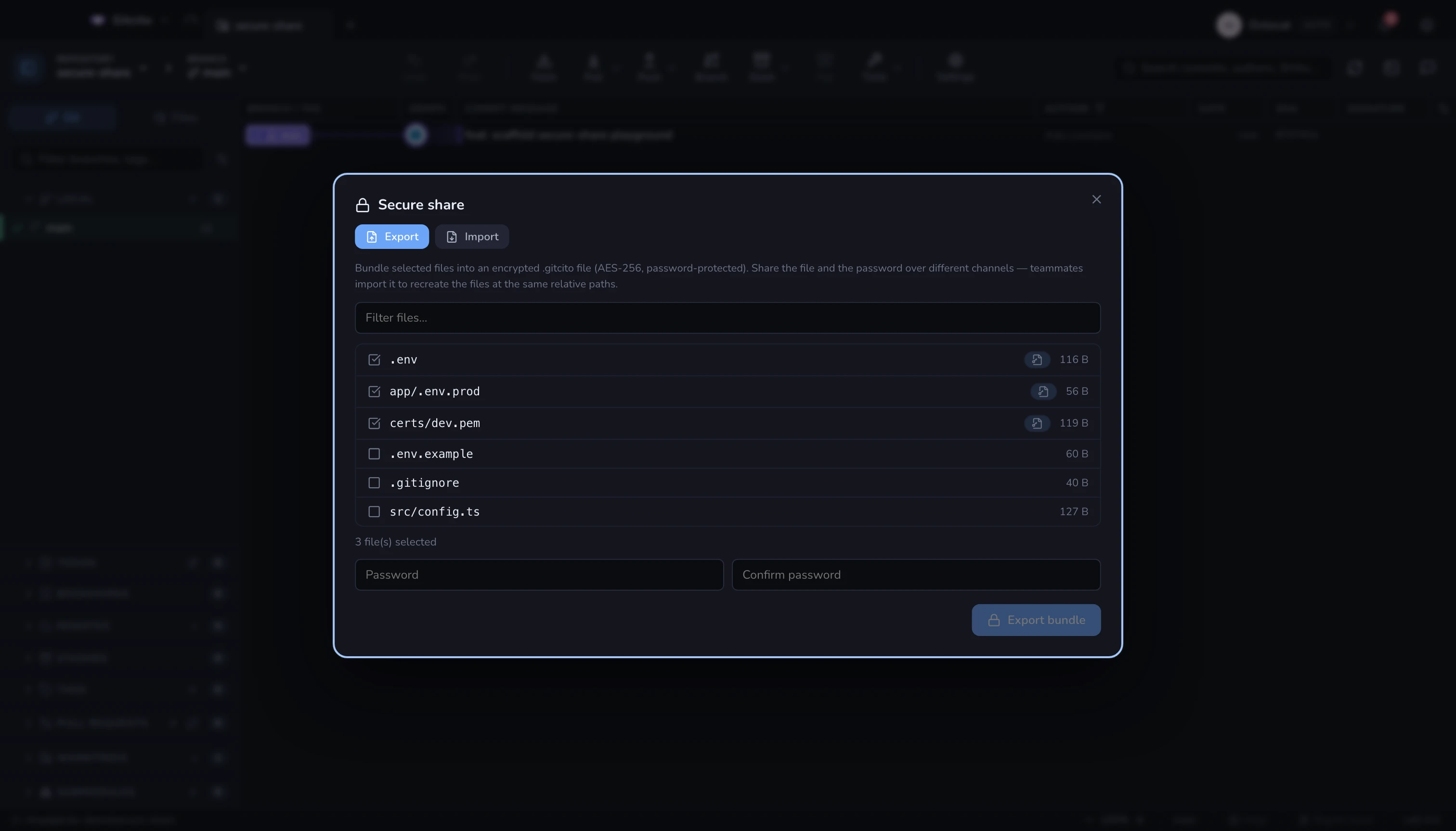
Getting a new machine — or a new teammate — set up usually means re-entering
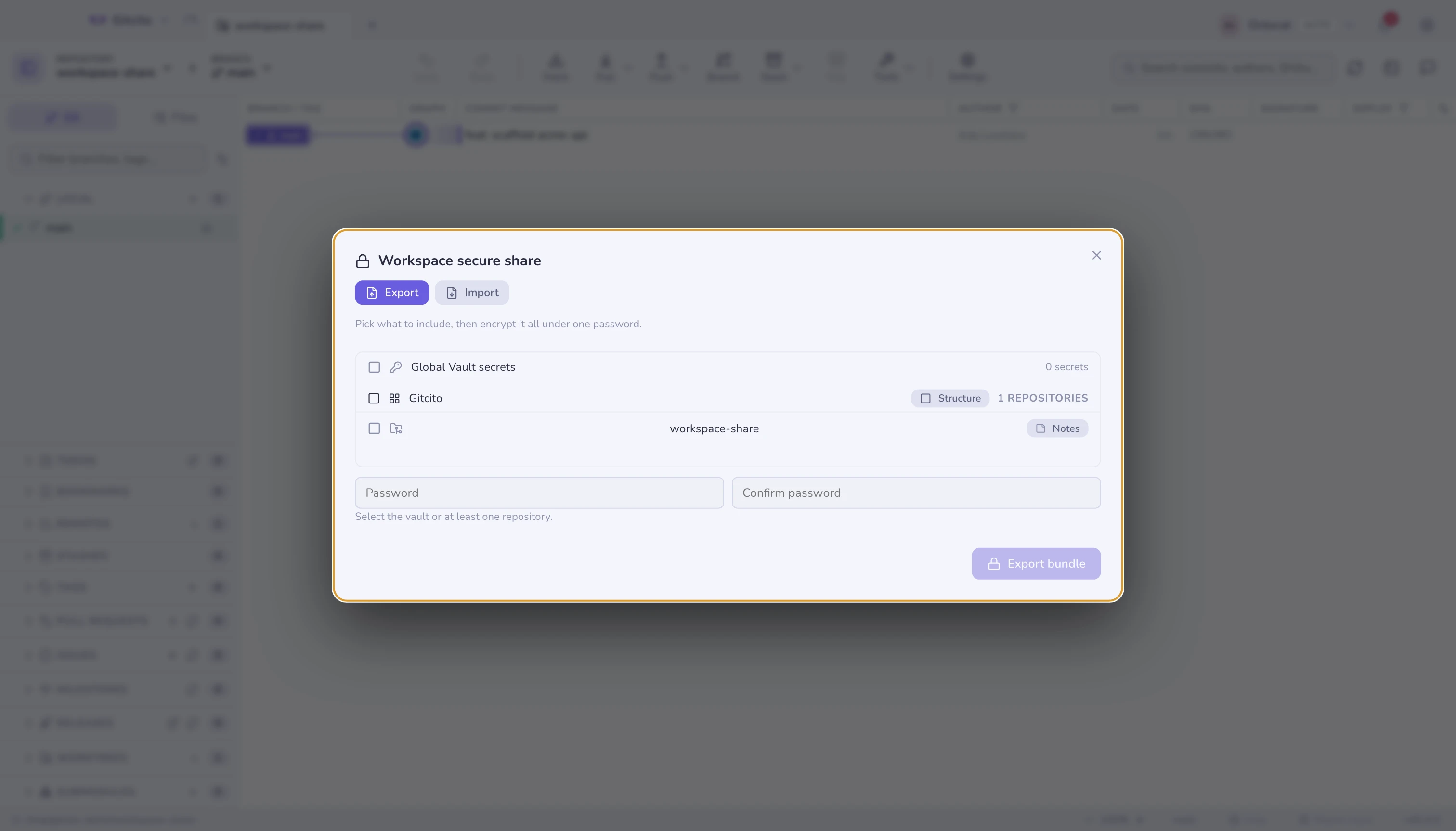
everything. Secure share packs it into one encrypted .gitcito file instead:
Gitcito's team features have no backend, so the file is the transport.
Send it however you already send files; the password travels separately.
What can go in
| Section | Contents |
|---|---|
| Vault | The global vault's secrets (per-repository vault entries stay put) |
| Repository files | Untracked config and secret files, re-materialised at the same relative paths on import |
| Workspace structure | The tab layout itself — groups, colors, order — with repositories referenced by remote URL, never by your local paths |
| Commit notes | A repository's refs/notes/commits, applied on import without needing write access to any remote |
Secrets are only ever included when you tick the box. A bundle without that tick contains no credentials at all. App settings do not travel in a bundle — they have their own plain-JSON export in Settings.
Importing
The import screen shows what is inside before applying anything, section by section, and repositories are matched to what you already have — by remote URL first, then by folder — so importing does not clone the world again.
A workspace structure section recreates the workspace with the repositories you already have; ones you don't are listed with their remote so you can clone them first and re-import — Gitcito never clones on your behalf here. A commit notes section previews what would land — new, identical, differing, or pinned to commits you don't have — and differing notes are only replaced when you tick overwrite; there is no merge of diverging notes.
See also: Vault · Security & secrets · Notes · Workspaces